
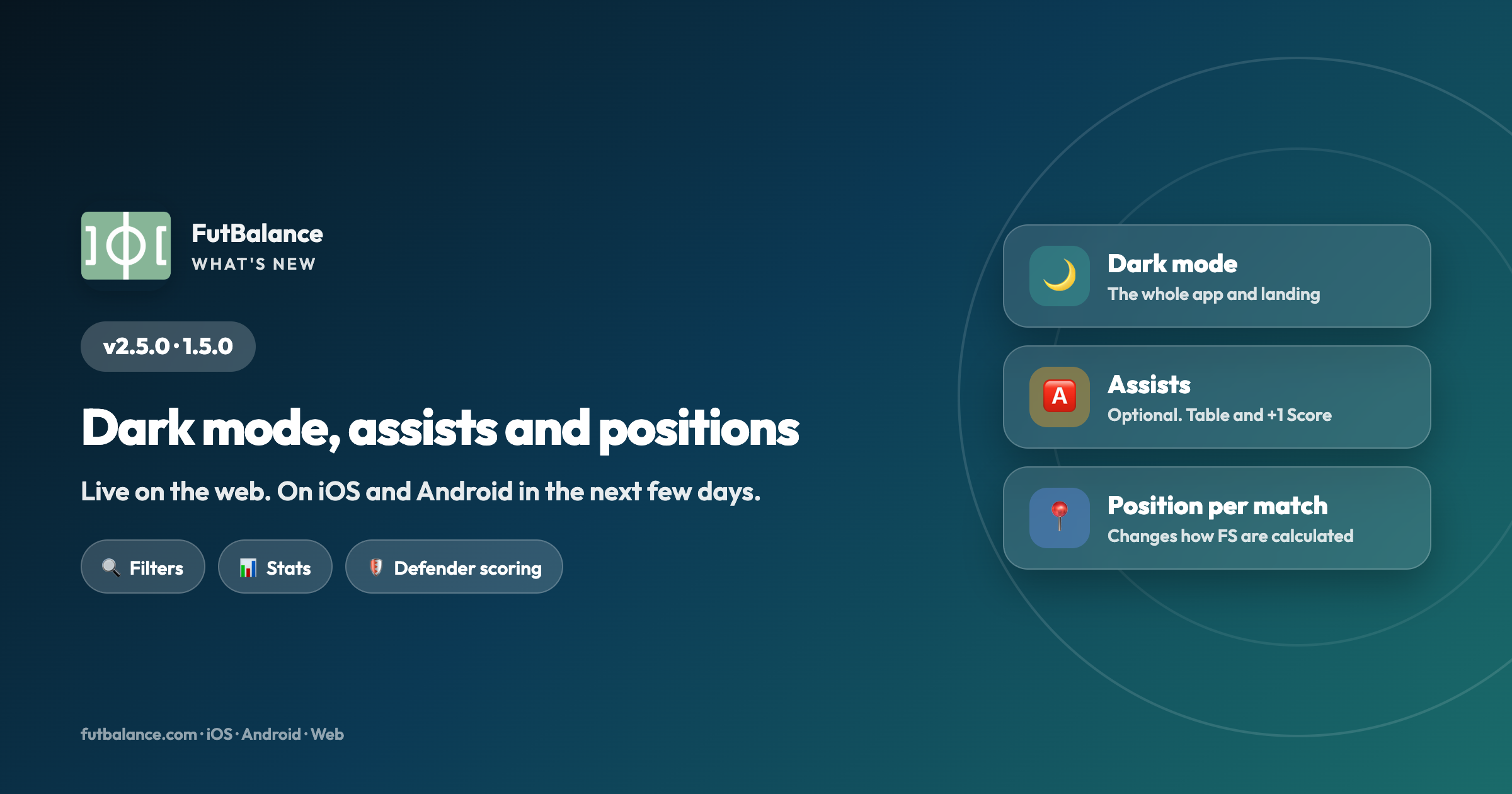
FutBalance 2.5.0 · 1.5.0: Dark mode, assists and positions
Version 2.5.0 is already live on the web. On iOS and Android it arrives as 1.5.0 in the next few days. The headline changes: dark mode, optional assists, position per match and new filters on Matches. There's also a defender scoring adjustment — your tables may move — and Stats is easier to read.
🌙 Dark mode
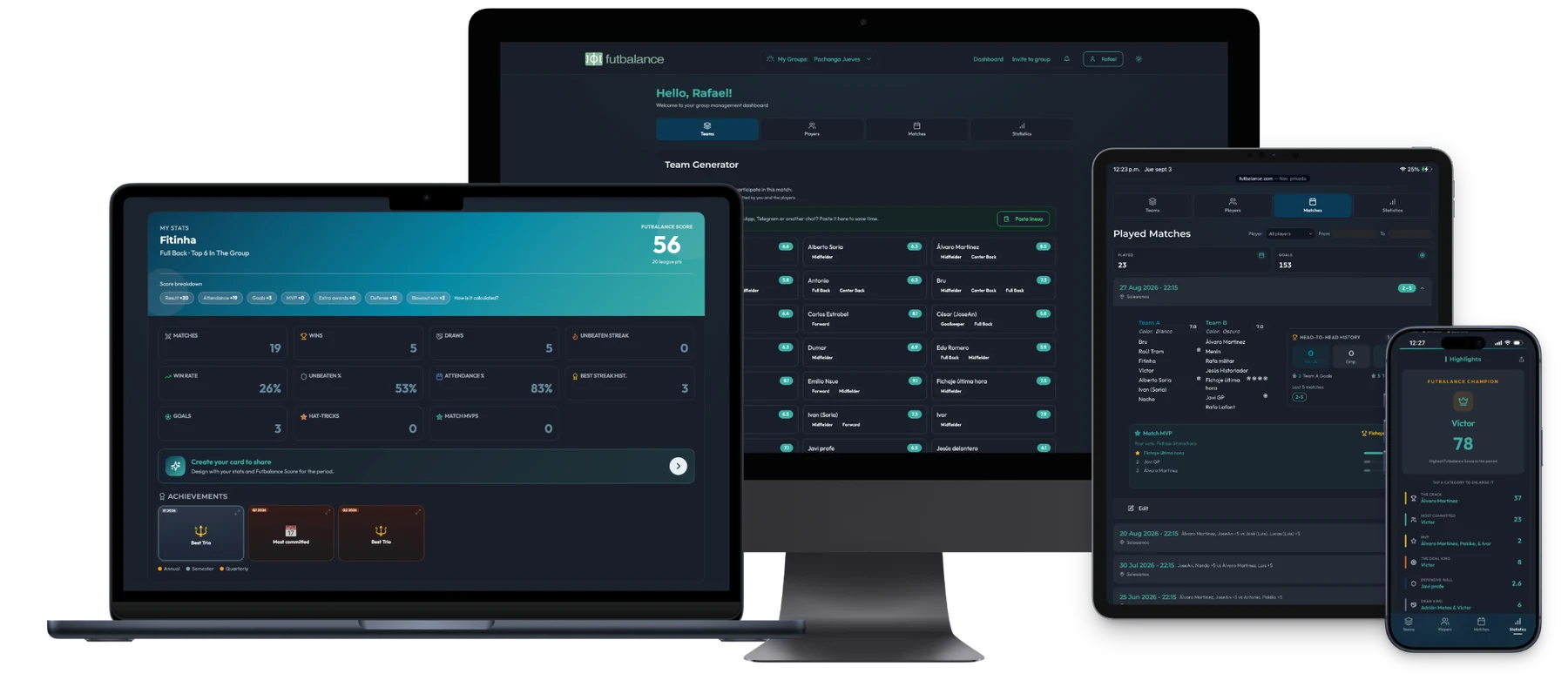
The whole app can go dark: dashboard, stats, matches and settings. Turn it on in Settings → Account. On the landing page, the mobile hamburger menu also has the light/dark switch, and the “how it works” shots now show in black.
🅰️ Assists (optional)
If the group wants them, the organizer turns them on in settings. From then on you can log assists when you submit the result. Each assist is worth +1 Futbalance Score, and you get a Top assists table, a period badge, and — in the Hall of Fame — the top assister.
If your group doesn't use them, leave the toggle off: nothing else changes.
📍 Position per match
When you submit or edit a result you'll see each player's default position and can change it if they played somewhere else that day. It only affects the Futbalance Score for that match: a defender up front doesn't pay the same goal cost as in their usual role.
If you change a player's main position (they now play somewhere else, or you got it wrong when you created them), the app asks: recount their stats with the new position, or apply it from now on only?
🛡️ Defender scoring adjustment
We've adjusted how defender Futbalance Score is calculated: 2 points if they concede 2 goals or fewer, and 3 for a clean sheet (it used to be 2). Rankings may update with the new count.
🔍 Filters on Matches
Filter by a player's name to see only the matches they played, and by result (wins, draws or losses). At the top there's a summary with the number of matches and goals for and against. Duplicate metrics on the Teams tab are gone: the detail lives here.
📊 Clearer stats
- New bar charts for top commitment and for current and all-time streaks.
- Redesigned Highlights section.
- You can share your group's stats as a chat-ready image.
- Shared tables (top players and the rest) are cleaner: fewer lines, more space.
⚡ Team generator
As you pick players, a bar shows how many you've selected — no need to scroll to count. Tap it and you jump to the generate-teams area.
✨ UI, translations and the app
- Bottom bar better aligned; in dark mode, with transparency.
- More space between MVP and the other votes on mobile (Playmaker, Workhorse, Golden Gloves).
- Top scorers titles and columns translated in every language.
- On Android, the app is smaller and starts faster.
Try it on the web now. 1.5.0 on iOS and Android arrives in the next few days.