
FutBalance 2.6.0 · 1.6.0: Named teams and more FutBalance Score
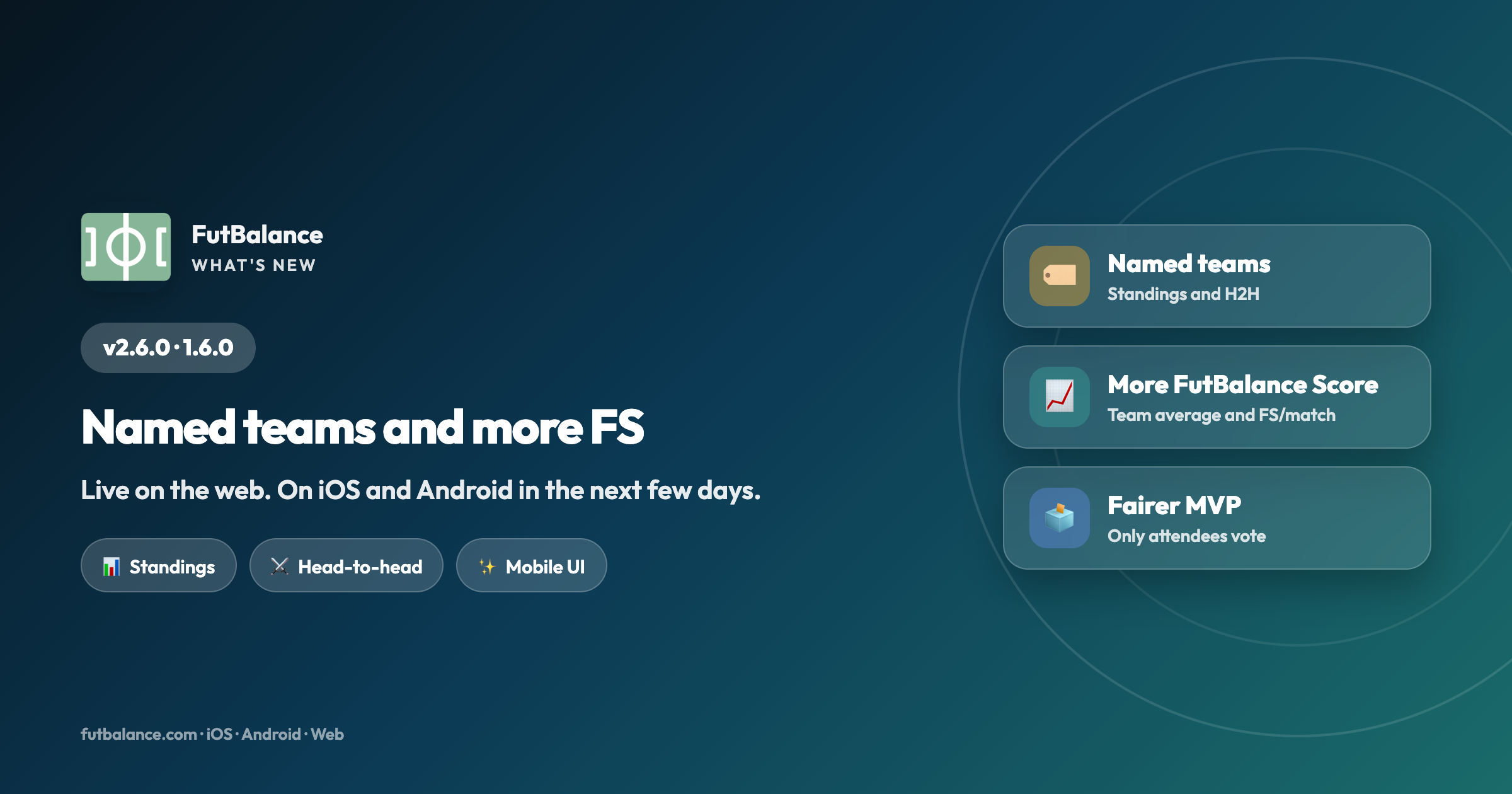
Version 2.6.0 is already live on the web. On iOS and Android it arrives as 1.6.0 in the next few days. The headline: you can name your teams, see their standings and head-to-head history. We also expand FutBalance Score (team average when you save a match, FS per match on the player card and a ranking), tighten MVP voting and polish several mobile UI details.
🏷️ Named teams (optional)
If your group often plays with the same sides —The Reds, The Office, and so on— the organizer or secretary can turn on named teams in Settings. You build a reusable catalog, pick the name when you log the match (or create a new one from the dropdown) and it sticks for next time.
Matches that stay as Team A / Team B don't count toward team standings: only games with both sides named do.
📊 Team standings and head-to-head
With the option on, Stats shows a team standings table (played, won, drawn, lost, goals and points), matching the look of the top players table.
On the match card you can also open the head-to-head history between those two names: like player H2H, but keyed by named teams instead of overlapping line-ups.
📈 More FutBalance Score
When you create or save a match you'll see each team's average FS per match, so you get a feel for the level before kick-off.
The player card shows FS per match, and Stats includes a table of the best players by FS per match.
🗳️ MVP: only who attended
MVP voting is limited to people who attended the match. If you weren't there, you can't vote — fairer and cleaner.
✨ Interface polish
- Personal stats card: on mobile, the player name and FutBalance rating line up like on desktop.
- In Stats, All / Qtr / Half sit beside the year (shorter labels on narrow screens).
- In My groups, delete group moves to the end, after export.
- Better layout when sharing the image of a completed match.
- Short table headers (P, W, D…) are translated in English and other languages.
Try it on the web now. 1.6.0 on iOS and Android arrives in the next few days.