
3 November 2026
FutBalance 2.4.0: a bench and imported matches
FutBalance 2.4.0 lets you call more people than fit on the pitch, and bring in the matches you already had in a spreadsheet. On mobile, the award that was only half showing scrolls into view when you tap it.
What's new
With a bench
Some groups call more people than fit on the pitch and rotate during the match. The bench option is for them.
Without it, the number called up sets the match. If you pick 14 players, for example, the app reads that as 7-a-side and makes two teams. With the bench on, in that same case the 14 no longer decides it: you can put another number on the pitch, such as 5-a-side, and the rest rotate on the bench. The 5 is only an example. You can choose whatever number you want, or leave everyone who was called up on the pitch.
In Settings you can turn the bench on. You choose how many play at once, whatever football you play. On a given match you can change it.
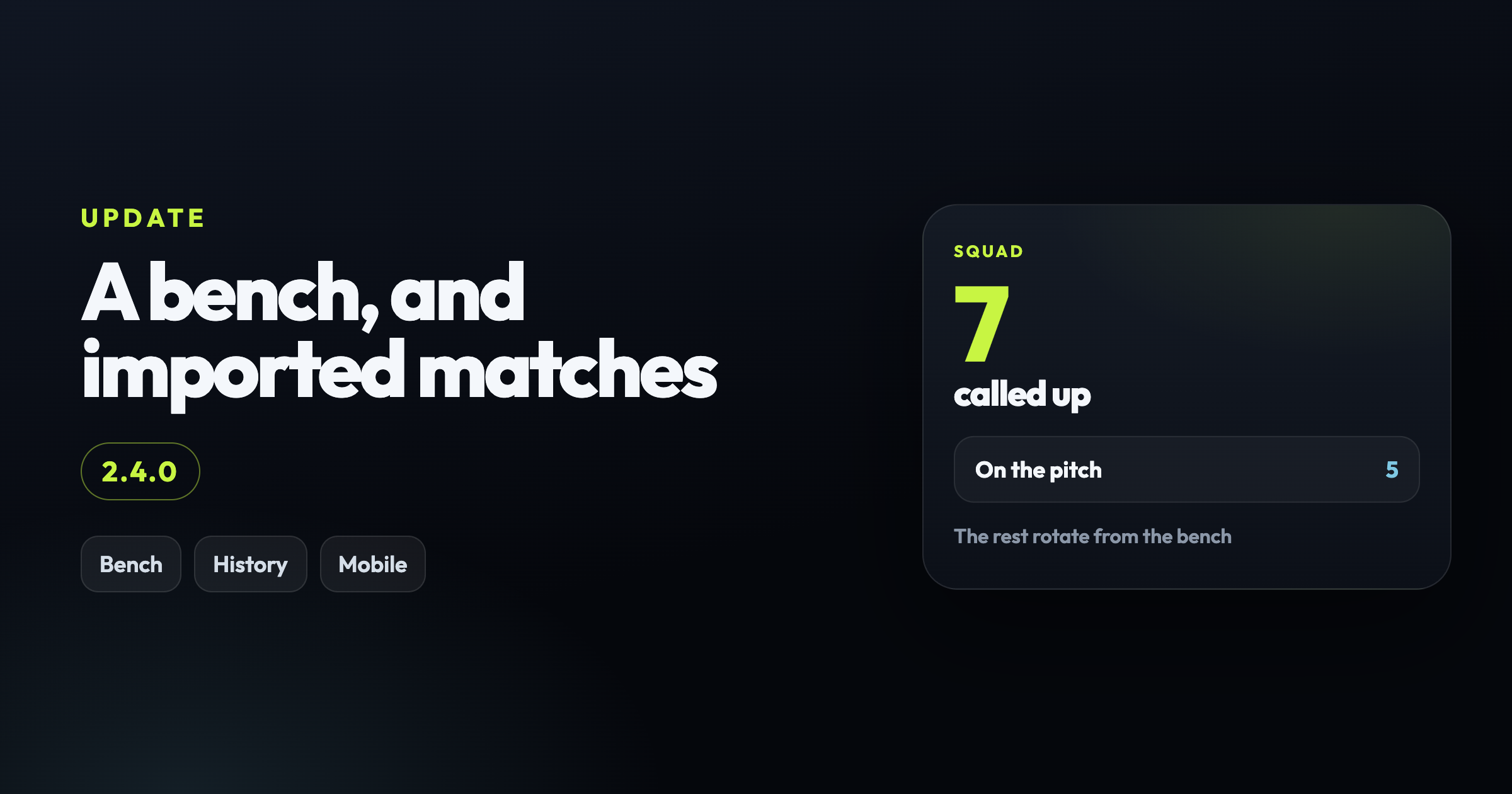
The card shows how many were called and how many are on the pitch.
Import the history
For anyone who keeps matches in Excel. In Settings, the organiser or a secretary downloads the template and uploads a CSV. Excel itself is not read: File, Save as, CSV UTF-8.
You need the date and who showed up. Who showed up can be written two ways: both teams, or a single attendance list if you do not have the teams. Separate names with |.
The score and the scorers are optional. With no result, the match still counts as played and only adds the attendance point. No win, draw, loss or goals. With a score, both sides need a number, and both teams need to be there.
Before it saves, the app shows how many matches come in, how many have no score, and whether new players or venues have to be created. If a name matches two players in the group, that row stops.
The button that was peeking
On mobile, on the Playmaker, Workhorse and Golden Gloves card, horizontal scrolling already worked. The problem was the third button: it does not fit, a sliver shows, you can tap it, and you barely know what you tapped.
Now the row moves when you tap it, and the whole button comes into view. The same happens on the other chips in the tables.